To access the Member Contact card
Additional actions on the Member card
Member details are shared with the LS Member Contact details, with some additional functionality added to the Member card.
To access the Member Contact card
- From the Membership Role Center menu pane - Members.
- From the Departments menu (LS Retail - LS Activity - Membership - Member Contacts), click Edit.
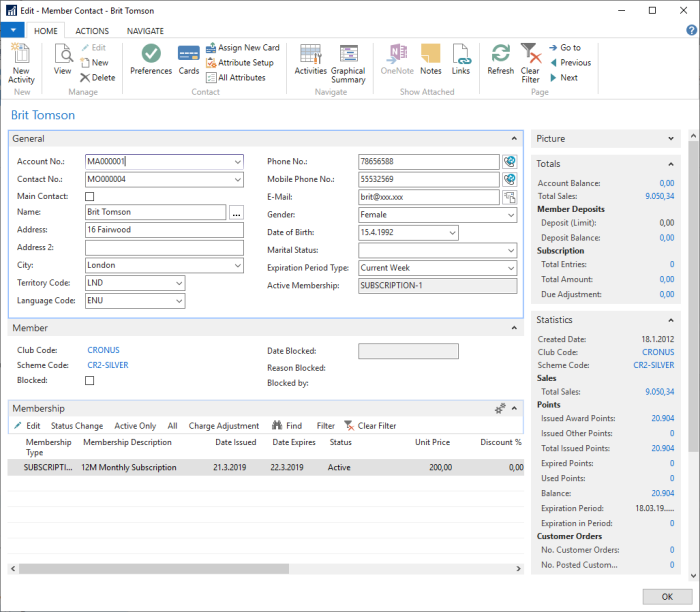
Membership FastTab
This FastTab displays the membership details of any memberships that are assigned to this particular member. Actions provide shortcuts to change the status of the membership, and let you view only active memberships (by default), or to list all memberships. The Edit action opens the Membership card details for editing.
Additional actions on the Member card
| Action | Description |
|---|---|
| Activities | View all activities assigned to the member. |
| Graphical Summary | View activities as a graphical presentation. |
| Admission Tracking | List all access entries registered for the member. |
| Issued Allowance | List all issued activity allowances and their current status. |
| New Activity | Create new activity entry and assign to the member. |