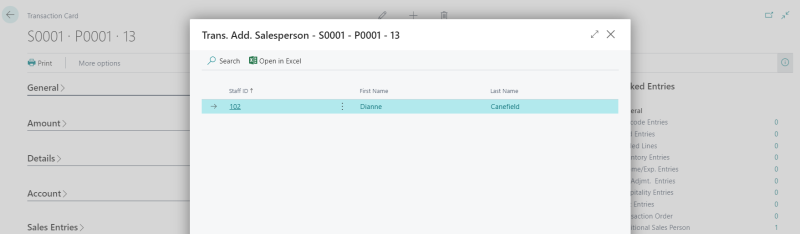
This topic explains how to link a sales person from standard Business Central to POS Sale.
Settings on the Staff Card
Employment Type must be either:
- Sales Person – the user cannot log into the POS terminal.
- Both – the user can log into POS Terminal.
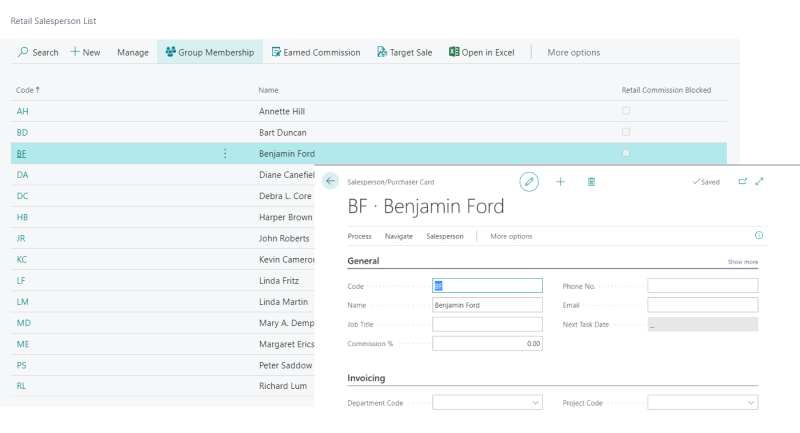
You select the sales person from the Salesperson/Purchaser Card:
POS settings
Functionality Profile
On the POS Functionality Profile Card, in the Staff & Logon FastTab, you must set the Sales Person Mode field to:
- Manual - lets you register a sales person (not obligatory).
- Automatic - prompts for registration of sales person every time.
Automatic
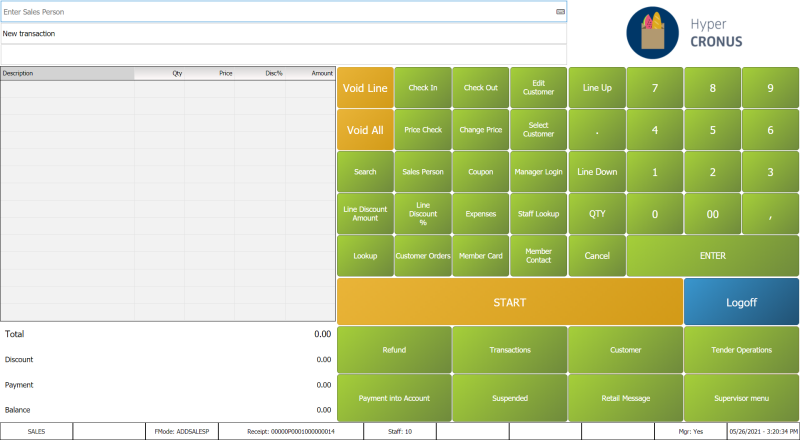
The cashier is asked to Enter Sales Person Number every time a new sale starts:
Manual
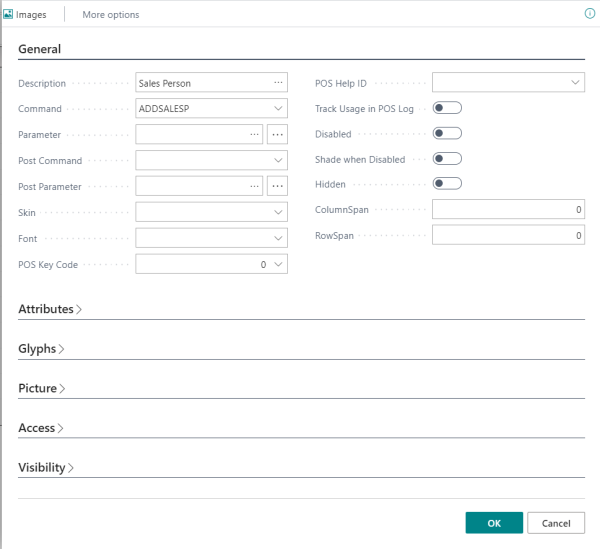
The cashier needs to press a button to be able to select a sales person:
Sales Transaction
In the Transaction Register, the sales person is linked to the transaction record in the Additional Salesperson table.